 Back
Back
How to Use Your USB
Step 1
Turn on your Chromebook.
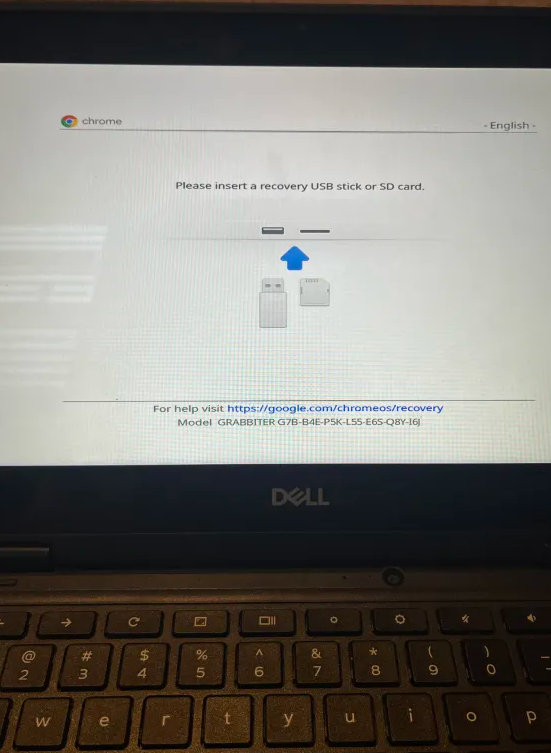
Press the Power (⏻), Reload (↻), and ESC keys at the same time.
Your screen might look like this or something similar:
Step 2
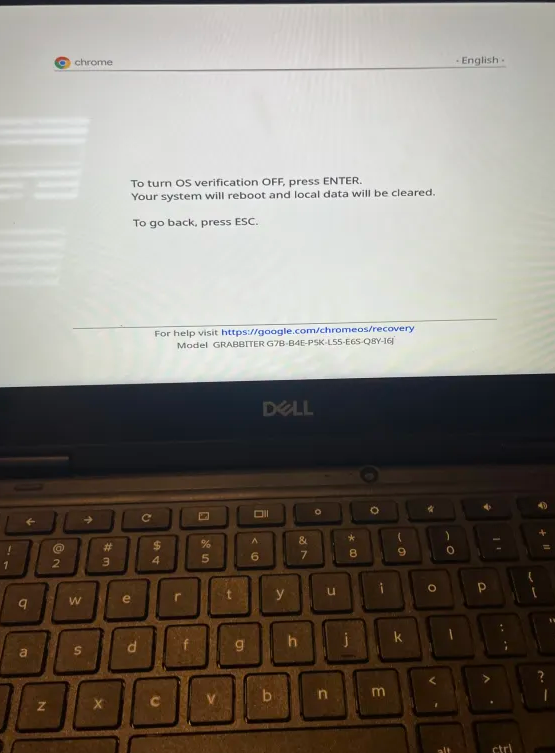
Press CTRL + D.
Your screen might look like this:
Step 3
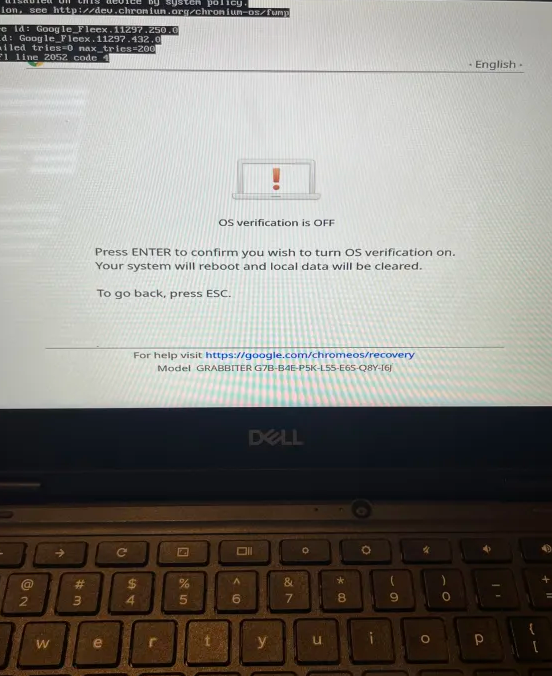
Press the Enter key.
Your screen might look like this:
Step 4
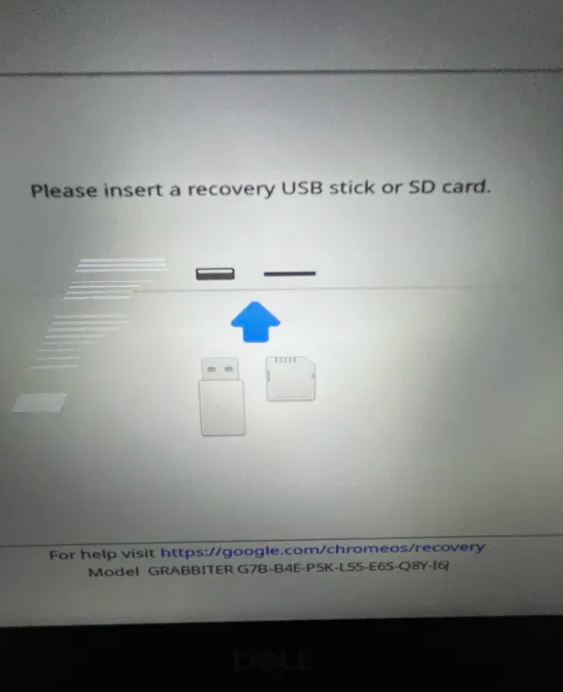
Press the Power (⏻), Reload (↻), and ESC keys again.
Your screen might look like this:
Step 5
Insert your USB drive.
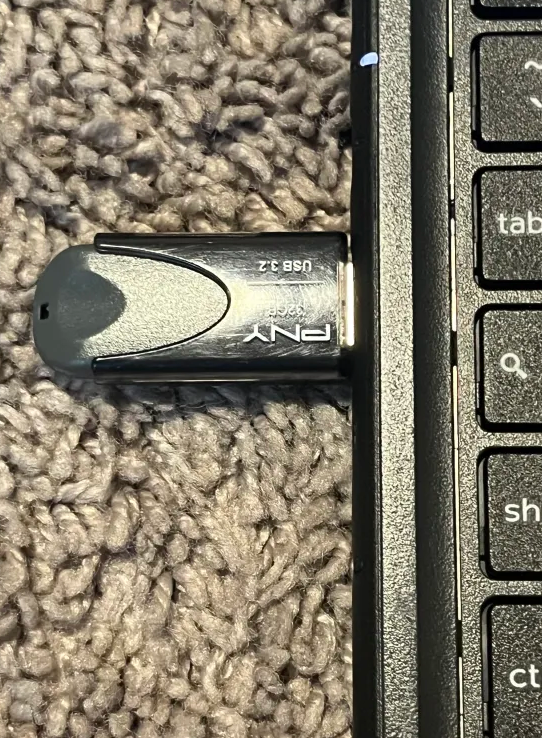
Done!
If everything worked, your Chromebook should boot into the Sh1mmer menu.
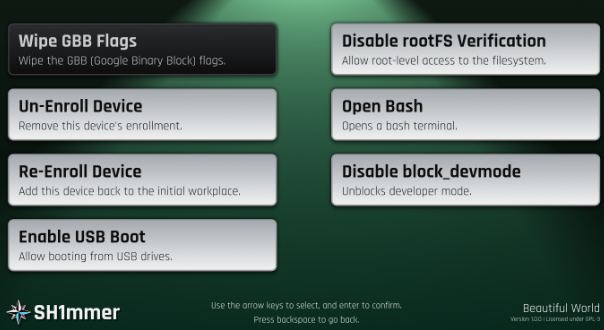
That's it for the guide.
Now you can explore the menu and use the available tools.